
WordPress Migration Errors and Broken Website Recovery
A failed move can leave WordPress connected to the wrong database, redirecting to an old domain, missing images or accepting orders on two different copies. Before another restore, establish which environment holds the newest business data.
Khalsa Website Designers investigates problems during hosting moves, domain changes, staging deployments and backup restorations. Recovery is scoped around the migration timeline, the changed environment and the records that must be preserved.
Request a failed-migration assessment. Tell us what moved, when the problem began, whether the site is still taking orders or enquiries and which backups are available. Keep credentials and database archives out of the initial message.
When moving a website between hosts or countries, include the old and new hosting providers, when DNS changed and whether orders, bookings or form enquiries continued during the move. Overseas Punjabi and Indian business owners can arrange remote investigation from our Punjab base through the existing WhatsApp chat icon. Do not send database files, passwords or customer exports in an initial message.
What broke after the move?
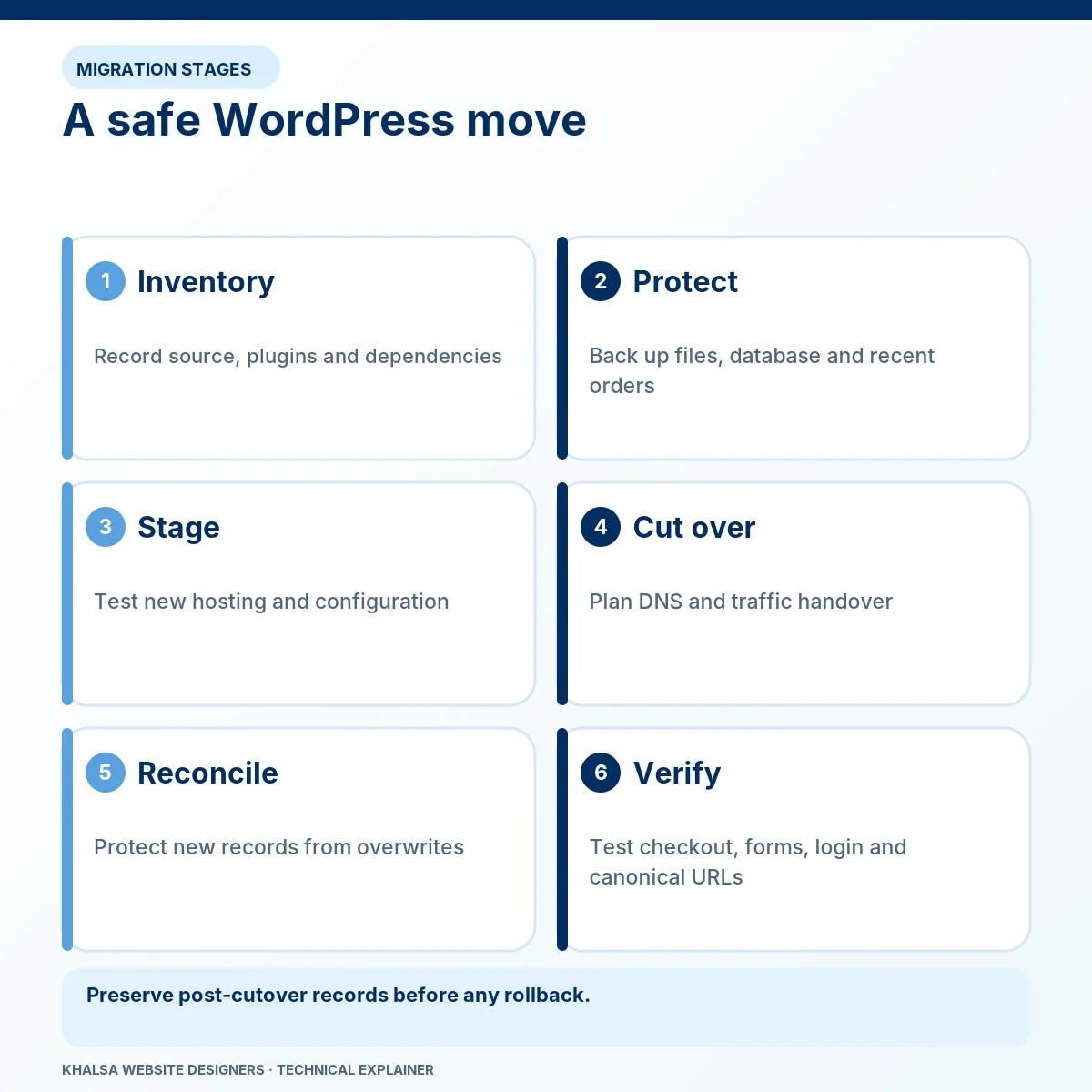
| Symptom | Boundary to investigate |
|---|---|
| Error establishing a database connection | Destination database, connection configuration, service availability and authorised access. |
| Administrator login redirects to the old domain | WordPress address settings, overrides, redirects and environment configuration. |
| Homepage works but internal URLs return 404 | Destination routing, rewrite configuration and permalink handling. |
| Images or downloads are missing | Actual files, URLs, permissions, storage and CDN configuration. |
| HTTPS warnings or mixed content appear | Certificate and proxy configuration, plus resource URLs. |
| Forms, payments or APIs fail only on the new host | Environment-specific credentials, callbacks, outbound access and runtime requirements. |
| New orders or enquiries are missing | Which copy received them and which snapshot or import became authoritative. |
Several faults can occur together. Fixing the first visible error does not establish that the move is complete.
Identify the kind of migration
Hosting move with the same domain
The public URLs may remain the same, but database hosts, paths, PHP settings, extensions and server rules can change. DNS may send different visitors to old and new origins during the transition. Both environments need to be understood before one is retired.
Domain change
The application addresses, internal references, integration URLs, certificates and search redirects may need coordinated changes. A new DNS destination does not update database content or a payment provider's callback configuration by itself.
Staging deployment or backup restoration
A staging copy may have test credentials, noindex settings and older records. A restore is a point-in-time operation. Replacing production with that copy without a data decision can overwrite newer legitimate activity or activate an unintended integration.
Multisite, domain mapping, external media storage and custom database arrangements require their own scope. A single-site recipe is insufficient for every architecture.
Protect the newest records before doing another restore
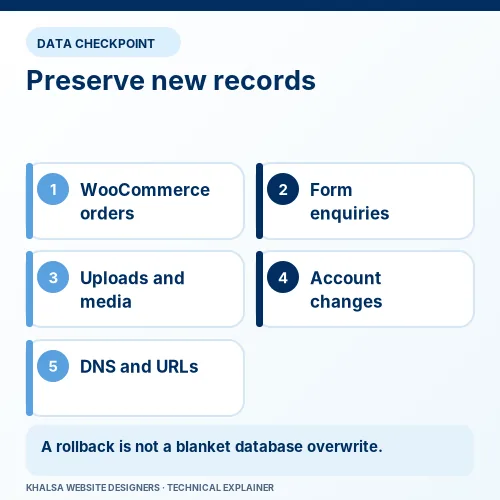
Preserve the available source and destination states. Record when each backup or import was created, which site was writable and where transactions continued. If both copies accepted changes, “the old site” and “the new site” are not enough to identify the correct data.
| Data type | Question before rollback or overwrite |
|---|---|
| Orders and payment records | Which system accepted the order, and where is its matched payment event recorded? |
| Enquiries and bookings | Were they stored locally, sent by email or synchronised to another system? |
| Users and memberships | Were new accounts, renewals or access changes created after the snapshot? |
| Uploads and content | Which files and database references changed on each copy? |
| Stock and scheduled tasks | Could both copies update stock, send notifications or run recurring work? |
An approved pause, cutover window or controlled data reconciliation may be necessary. Do not copy selected order tables or restore an entire old database without understanding related records and integrations. The preservation method must match the actual WooCommerce storage and extension architecture.
A rollback is usable only if its destination, data consequences and test plan are known. Zero data loss should not be promised from an unexamined backup.
Database access and WordPress URLs are separate settings
WordPress uses database connection configuration to reach its records. The database name, user, password, host and permissions must match the destination environment. A new host does not necessarily use the same database hostname or account naming scheme as the old one.
If the symptom is specifically a connection failure, the post-migration database guide provides the narrower diagnostic sequence. An incomplete import or wrong table prefix is a different condition from a server rejecting the database connection, even when both prevent a normal site from loading.
WordPress Address and Site Address determine where WordPress and its public site are located. The official migration handbook distinguishes them. In configuration, WP_SITEURL relates to the WordPress installation address and WP_HOME to the public site address. Overrides can affect the result visible in the dashboard.
Changing these URLs does not repair incorrect database credentials. Changing the database host does not correct every old-domain redirect. Test the failing layer before editing the next one.
Replace old references without corrupting stored data
WordPress and extensions can store structured or serialised values. A blind raw-text replacement in an SQL export can damage those values or change identifiers that should remain stable.
Use a method that understands the data and the intended table scope, with a backup and a review of the proposed changes. WP-CLI's search-replace documentation describes serialised-data handling and a dry-run option. A tool capable of safe handling can still make the wrong changes if the scope or replacement strings are incorrect.
Do not assume every old-domain occurrence should change. Historical records, external integrations and stable identifiers may have different requirements. Multisite and custom tables need particular care. The repair record should state what was included and excluded.
Recheck files, routing and environment dependencies
For missing media, confirm the file exists where the destination expects it before changing database URLs. A URL correction cannot restore a file that was never transferred. Check storage integrations, ownership and access restrictions without applying broad insecure permissions.
For internal 404s, identify the web-server stack and routing rules. Apache, Nginx and managed hosting do not all handle the same configuration files. A blanket .htaccess replacement is not a universal migration repair.
Compare the PHP runtime and required extensions with the application stack. Credentials stored in environment variables or outside the web directory may not have moved with the visible WordPress files. Cache and object-cache settings can also refer to the previous environment.
Payments, email and search signals need their own cutover checks
A cloned store must not inadvertently send live customer notifications, trigger fulfilment or process recurring work twice. Gateway callbacks need to reach the intended live endpoint. Email delivery, CRM connections and external APIs may have sender, hostname or network restrictions.
Where payment and order records disagree, use WooCommerce payment investigation. For form notifications, use email delivery investigation. These checks are part of a complete migration acceptance scope when those functions are present.
For a changed domain or URL structure, map important old URLs to relevant new destinations, then test redirects, canonical signals and sitemap entries. Do not redirect unrelated missing pages to the homepage simply to eliminate 404 reports. Technical SEO remediation can address the search-specific effects; ranking recovery remains a separate observation.
Accept recovery with a recorded cutover decision
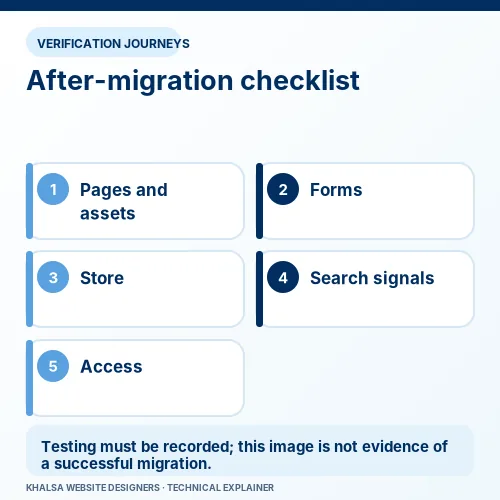
The final checks should identify which environment is authoritative and whether the other copy can safely stop receiving traffic or running jobs. Test the reported failure, representative pages, administrator access, media and the relevant enquiry or purchase journey.
Where appropriate, verify destination behaviour before DNS cutover using an authorised test method that preserves hostname and TLS requirements. After cutover, repeat external tests and check that provider events reach the right environment.
The handover should record backup timestamps, data decisions, configuration changes, redirect checks and unresolved dependencies. Keep rollback materials protected until the agreed acceptance period is complete, then follow the retention arrangement. A functioning homepage is one check, not a migration sign-off.
Migration recovery questions
Can I restore an older backup without losing new orders?
Only if newer data is protected through a suitable, tested method. A full old-database restore normally replaces its current state. Reconciliation must consider payments, order relationships, users, stock and extensions, not just a count of order rows.
Does changing DNS repair a database error?
DNS can direct visitors to the intended server. The WordPress process on that server still needs correct database connectivity. If DNS sends traffic to the wrong copy, correcting routing is part of the problem, but it does not repair that copy's credentials.
What if the previous developer is unavailable?
The owner can collect hosting, domain and backup information from the legitimate account providers. Work depends on the access and rights available. KWD cannot bypass account ownership or recreate a missing backup by assumption.
Will search rankings return automatically?
No. Correct redirects and coherent search signals help search engines understand a move, but processing and rankings are outside a developer's control. Preserve evidence of the technical correction and monitor the subsequent outcome separately.
Give us the migration timeline
Include the source and destination hosts, domain changes, move date with time zone, current symptom, backup times and whether either copy still accepts activity. State what must be preserved before another import or restore is considered.
Discuss WordPress migration recovery. If the outage began without a move, start with website down investigation or the repair service hub.


