
WordPress Speed and Core Web Vitals Optimisation
A slow website needs more than a higher score on one test. Visitors need the main content to appear promptly, controls to respond and the page to stay stable while they use it. A store also needs its cart, prices and checkout to remain correct after optimisation.
Khalsa Website Designers investigates WordPress and WooCommerce performance problems using the affected page types, visitor conditions and business journeys. Changes are prioritised from measured bottlenecks, with functional checks alongside performance comparisons.
Request a website speed investigation. Share the URLs that feel slow, the devices and countries affected, and the action visitors struggle to complete. Existing reports are useful if you have them.
A site can feel fast in one country and slow for customers elsewhere. If your audience is overseas, tell us the primary visitor regions and the exact slow page or checkout journey so comparable mobile and regional tests can be planned. Use the existing WhatsApp icon to discuss performance concerns, or send details through the contact form. Improvements must be assessed against a recorded baseline.
Identify what feels slow
A page that takes too long to show its main content has a different problem from a page that appears quickly but freezes when a menu opens. Unexpected movement is another issue again. Treating all three with the same caching preset misses the mechanism.
| Visitor's experience | Evidence to examine |
|---|---|
| The screen stays blank or the main content appears late | Navigation timing, server response, resource discovery and the main visible element. |
| Clicking or typing produces delayed feedback | Interaction traces, long tasks and the work blocking the browser's next paint. |
| Content jumps while reading or buying | Layout-shift records, resource dimensions and late-inserted content. |
| The homepage is fine but products or checkout are slow | The specific template, database or API work and the visitor's session. |
| Overseas visitors report a different experience | Origin and CDN behaviour, network latency, device mix and actual field evidence. |
The test must follow the complaint. A fast cached homepage cannot establish that a personalised checkout performs well.
What LCP, INP and CLS measure
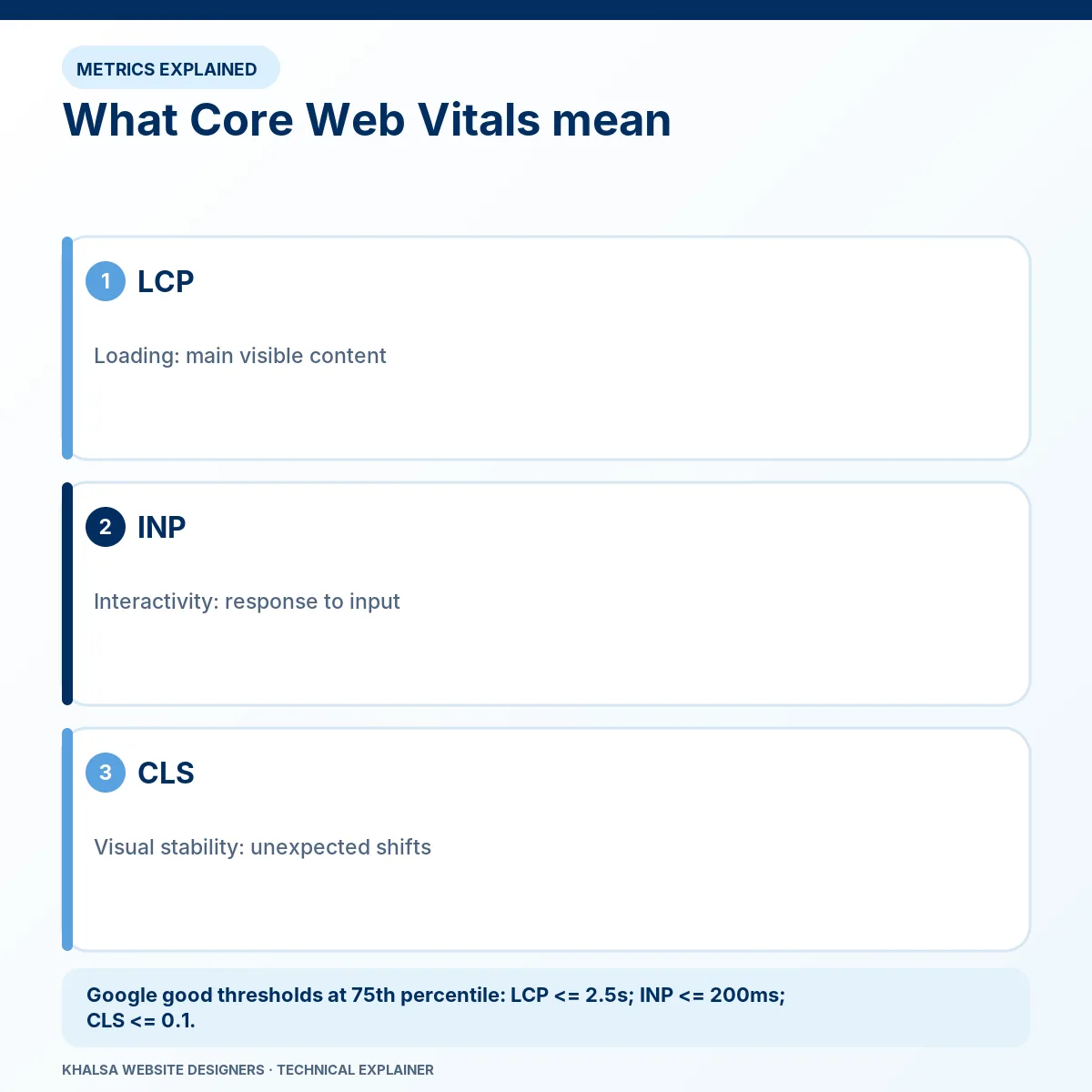
Google's Core Web Vitals guidance defines three measures of user experience. “Good” thresholds are evaluated at the 75th percentile of visits, separately for mobile and desktop.
| Metric | What it describes | Good threshold |
|---|---|---|
| Largest Contentful Paint (LCP) | When the largest eligible visible content element is rendered. | 2.5 seconds or less. |
| Interaction to Next Paint (INP) | Responsiveness of qualifying interactions through their next visual update. | 200 milliseconds or less. |
| Cumulative Layout Shift (CLS) | Unexpected visual movement, using the metric's session-window rules. | 0.1 or less. |
Time to First Byte helps diagnose server and connection delays. It is not itself one of these three Core Web Vitals. A single lab performance score is also different from the field assessment.
Loading speed is a chain of dependencies
LCP can be delayed before the browser even discovers the main image, or while it waits to render an element already downloaded. Server response, redirects, stylesheet dependencies, image priority and font behaviour need to be considered together.
Compressing an image is useful when transfer size is a material bottleneck. It will not fully repair a page whose main delay comes from a slow database query or a late script-created image. The LCP reference describes the metric; the site's request chain identifies the intervention.
Responsiveness includes more than a quick page load
Heavy scripts can block the browser when a visitor opens navigation, changes a product option or types in a form. INP concerns the next visual response, not the full duration of every later asynchronous operation. A loading indicator may respond promptly while the underlying search still needs separate optimisation.
Lighthouse's normal page-load report does not reproduce every real interaction. Total Blocking Time can provide diagnostic clues, but it should not be reported as a measured INP result for actual visitors.
Stability must be checked after the first screen
Images without reserved space, changing fonts, banners and late widgets can move content. CLS can include shifts across the page's lifecycle, so an initial-load screenshot may miss the problem that occurs after scrolling or interacting.
Fix the cause and preserve the intended content. Hiding necessary information to obtain a cleaner report does not improve the visitor's task.
Establish a baseline that can be compared honestly
PageSpeed Insights combines lab diagnostics with available real-user information. Its documentation explains that the field data uses a previous 28-day collection period. A production change will therefore not replace that history immediately.
Record the exact URL, page version, test tool, mobile or desktop mode, network settings, cache state and time. Repeat comparable lab runs and retain their spread rather than choosing only the best screenshot. If a result uses origin-level field data instead of the exact URL, label that distinction.
Some pages do not have sufficient eligible data in the Chrome User Experience Report. Missing field data is not a pass or a failure. An agreed real-user measurement approach may be appropriate, with suitable privacy and implementation controls.
The baseline should include representative service, product and transaction pages. Decide which journeys matter before spending the entire scope on an easy homepage improvement.
WordPress bottlenecks and their trade-offs
Slow queries, uncached application work, oversized media, render-blocking resources, unnecessary scripts and external APIs can each contribute. The number of installed plugins alone does not identify the cost: one expensive request can matter more than several lightweight extensions.
A performance finding should connect the expensive work to the observed delay. Proposed changes might involve media delivery, conditional asset loading, caching, database work, template changes or a hosting improvement. Removing a necessary integration requires a business decision, even when it improves a benchmark.
Use supported settings and maintainable custom changes. Broad script delay can break consent controls, forms or payments; aggressive CSS removal can hide content on a page not included in the first test.
WooCommerce requires session-aware caching
Cart, checkout and account information depend on the current customer. They must not be indiscriminately served as shared cached pages. WooCommerce's caching guidance identifies dynamic pages and session-related considerations.
Review the actual host, CDN and plugin rules together. Adding a page-cache plugin does not prove the edge cache respects exclusions. Test with distinct sessions so one customer's state cannot become another customer's page.
After an optimisation, verify basket changes, coupons, shipping calculations and the relevant checkout route. If the purchase is already failing, checkout and payment repair needs to address transaction correctness before benchmark work.
Prioritise impact, confidence and regression risk
The first change should follow the evidence, not a preset package. An oversized hero image on every service page may be a contained improvement; replacing a page-builder add-on across the site has wider dependencies. A slow third-party API may require vendor cooperation or a change to how its result is requested.
The assessment should explain what is expected to improve, why that expectation is credible, which functions might be affected and how to reverse the change. Where hosting is a constraint, compare the measured limitation with the cost and risk of moving.
Performance work should also retain accessibility, meaningful content and essential analytics or consent behaviour. A faster broken page is not a successful repair.
Verify improvement and preserve the evidence
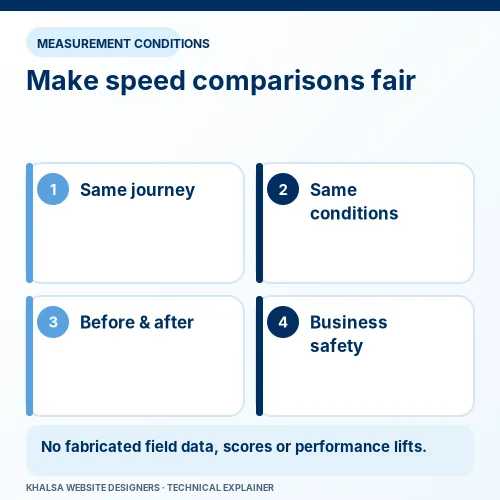
Compare the same URLs under the same stated lab conditions after changes. Record raw timing values as well as scores. Recheck relevant forms, menus, search and checkout. Keep a change log that ties interventions to observations without claiming perfect causal attribution from unrelated test runs.
Field monitoring can then show whether real visitors experience the expected benefit over a suitable period. Traffic, device mix, external scripts and test variability can influence results; report those limitations. No percentage improvement or revenue gain should be claimed without the supporting measurement.
Performance questions
Is a PageSpeed score of 100 necessary?
It is not a universal business acceptance criterion. Agree meaningful performance and functional goals for the actual page types. A score alone does not certify accessibility, guarantee search rankings or prove every visitor's experience.
Does a CDN always make a website faster?
It can reduce some delivery costs and latency, depending on caching and audience. It cannot remove all slow application work or every external dependency. Configuration and visitor location affect the result.
Why do scores change between runs?
Server load, cache state, network variation, third-party requests and test conditions can differ. Use a repeatable method and a range of results. A single unusually good run is weak evidence of a durable improvement.
Is a visual layout repair the same as CLS work?
No. A section can be consistently misaligned without shifting during use. Elementor layout repair handles that visual defect; measured unexpected movement may need performance work as well.
Start with the slow journey
Send representative URLs, audience countries, affected devices and the action that feels delayed. Include any recent theme, plugin, tracking or hosting changes. Public reports can help define scope; private access, testing conditions and charges are agreed separately.
Discuss WordPress performance work. The website repair hub covers failures whose main cause is still uncertain.


