
Crawled – Currently Not Indexed: Meaning and Diagnosis
“Crawled – currently not indexed” means Google has crawled the URL but has not included it in the index at the report's recorded state. It may or may not be indexed later. The label does not, by itself, establish a penalty, a broken website or a single technical cause.
Start by deciding whether this exact URL should be indexed independently. Then inspect its current state, Google's stored evidence and the value it adds beyond other pages. Repeatedly submitting an unchanged URL is not a diagnosis.
What the status does and does not tell you
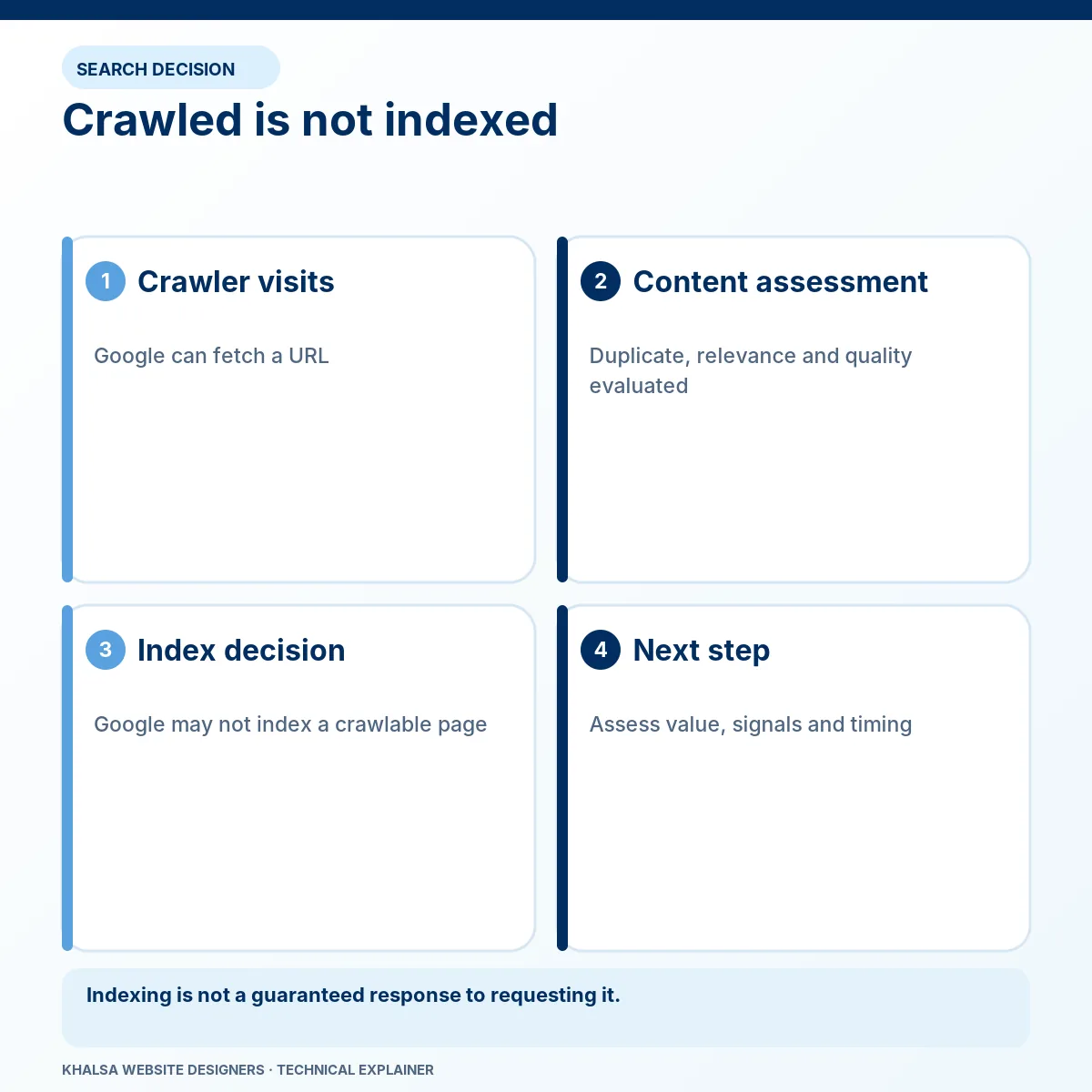
The Google Page indexing report describes this state and says the URL does not need to be resubmitted for crawling solely because it appears here. Google already knows about it and has fetched it.
The label is not a detailed explanation of why Google did not retain the page. It also does not prove that everything currently on the page matches what Google fetched earlier. The website and the report can change at different times.
| Observation | Reasonable interpretation | Unsupported conclusion |
|---|---|---|
| The URL appears in this report group | Google recorded a crawl without index inclusion at that state. | “The site has a manual penalty.” |
| A live test succeeds | The current page passes the aspects of access and eligibility tested. | “The current page is now indexed.” |
| A similar URL is indexed | Google may have other content serving a related need. | “Every similar page is automatically a duplicate.” |
| Several pages share the status | Look for a common template, purpose or quality pattern. | “Every page needs the same plugin setting changed.” |
“Discovered – currently not indexed” is a different state: Google knows the URL but has not yet recorded the same crawl step. Do not use the same explanation for both without checking the individual evidence.
1. Decide the URL's intended role
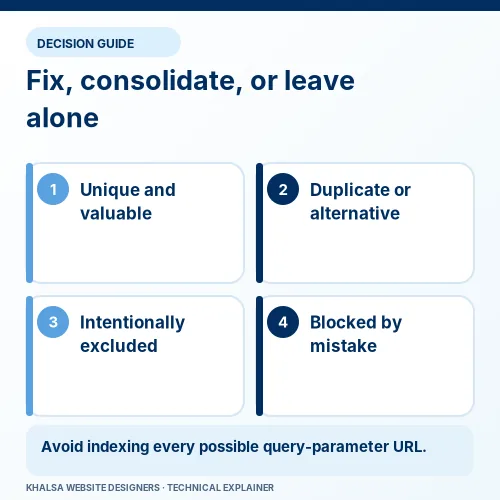
Not every generated URL deserves an independent search result. A parameter variant can represent the same useful page, while a core service page may address a distinct customer need.
| URL purpose | A sensible objective |
|---|---|
| A unique service or product page customers need | Make it useful, accessible and coherently signalled as the intended URL. |
| A sorting or tracking variant of an existing page | Manage the duplicate relationship rather than trying to index every variation. |
| A thin category or archive with no independent user value | Decide whether to improve its purpose, consolidate or restrict indexing appropriately. |
| Private account content or a staging copy | Protect it; search inclusion is not the goal. |
| An obsolete page with a genuine replacement | Plan the relevant transition and update references, preserving useful history where needed. |
These are decisions about the page's purpose, not automatic instructions to noindex or delete. Consider existing links, users and business dependencies before changing URLs or restricting content.
2. Inspect the exact URL in Search Console
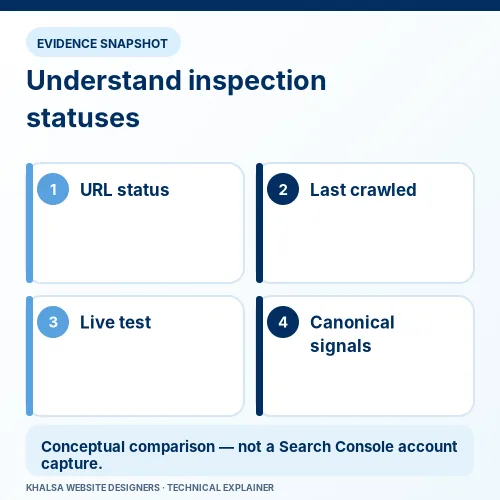
Use a property you are authorised to access and enter the full affected URL, including the correct host, protocol and path. A trailing slash, parameter or hostname variation can refer to a different URL.
Record the stored indexing state and relevant dates. Check available crawl information, user-declared canonical and Google-selected canonical where those fields are provided. Some information may be absent for a URL not indexed; absence is not permission to invent a selected canonical.
Run a live test when you need current evidence. Compare its fetched content and screenshot with what a visitor should see. The URL Inspection documentation explains that the live test cannot predict Google's canonical selection and does not perform every quality or policy check.
If the indexed record predates a correction, preserve both dates. Do not call the fix ineffective simply because an older report has not yet been reprocessed. Equally, do not call it successful indexing because a live access test passed.
3. Check current technical conditions without assuming the label explains them
A URL may now redirect, return an error, expose a noindex directive or serve different content from its earlier crawl. Check the current response and the intended destination first.
Inspect both HTML and HTTP indexing controls. Confirm that useful main content is available and that necessary resources are accessible. A successful response containing an empty template or an error message is not equivalent to a useful service page.
Review the canonical in context. Does it point to the intended representative page? Do internal links, sitemap entries and redirects support the same choice? A canonical to the homepage is not a general repair for an unindexed detailed page.
Google's canonicalization guidance describes representative selection. A declared canonical is a signal, and the live test cannot promise that Google will adopt it.
Do not confuse crawling restrictions with removal
Blocking a URL in robots.txt can prevent Google from seeing a noindex directive. It does not reliably remove a known URL from search. If a restriction is appropriate, choose it according to the URL's actual purpose and Google's noindex documentation.
Do not remove every block or noindex setting across the site to chase index counts. Private and intentionally excluded resources need their protections preserved.
4. Compare the page with its closest alternatives
After technical checks, ask what independent value this page provides. A search engine does not need another URL merely because the business has chosen another keyword.
Compare the main content, intended customer task, evidence, examples and internal role with the closest pages on the website. Near-identical city pages, repeated product descriptions and empty category templates can require an architecture or content decision rather than a recrawl button.
Useful questions include:
- What question or decision can a visitor resolve here that the closest page does not resolve?
- Does the main content contain specific, accurate information rather than mostly repeated navigation and sales text?
- Can important claims be traced to evidence or a responsible source?
- Does the page help the visitor take an appropriate next step?
- Would merging overlapping pages produce a clearer answer, with a planned treatment for the old URLs?
There is no supported universal word count that makes a page indexable. Adding filler, repeating a keyword or changing a date does not establish new value. An image-only answer may also need accessible explanatory text, but text should exist to help the reader, not to satisfy an arbitrary length target.
5. Investigate patterns across a group of pages
If several business-critical pages are affected, group them by template, purpose, creation date and recent changes. Compare a few representative examples with useful indexed pages serving a similar role. Keep the comparison about evidence, not an assumption that every difference is a ranking factor.
A fictional example: several new service pages share the same boilerplate and differ only in place names. The appropriate review is whether they serve distinct needs and contain genuine local information, not whether each has been submitted often enough. This is an editorial illustration, not a measured KWD case.
Another pattern may be technical: a deployment could replace a shared main-content area with an empty component. Inspecting one URL's live rendered content can then guide a broader template investigation. Preserve the conditions and timestamps before making a sitewide change.
6. Make a specific change and keep a change log
Document what you found, what you changed, which URLs were affected and what the immediate technical retest showed. A useful record separates the corrective action from the later indexing outcome.
| Record | Example of what to capture |
|---|---|
| Purpose decision | Keep a unique indexable page, consolidate an overlap or retain an intentional exclusion. |
| Technical change | The actual directive, response, canonical or template correction. |
| Editorial change | The new evidence or information that materially improves the page. |
| Immediate verification | Current response, accessible content and coherent signals. |
| Later observation | Last crawl, current index state and relevant search performance if available. |
Google's recrawl guidance permits requests after adding or meaningfully changing pages, but repeated requests do not speed the process. The presence of this status alone does not require resubmission. Sitemaps can aid discovery; they do not compel index inclusion.
Choose a review interval suited to the change and keep the baseline. There is no universal guaranteed date for Google to recrawl, select or retain a page.
When technical help is justified
Get help when many important pages are affected, reports conflict with the live site, canonical signals are inconsistent or a migration coincides with the change. Technical SEO and indexing investigation is the relevant service.
If the problem began during a move, include migration recovery in the scope so redirects, environment settings and data dependencies are considered together. Do not treat an indexing report as proof that the entire migration failed.
Common questions
Does this status prove my content is poor?
No. It identifies a recorded outcome, not a complete quality assessment. Review purpose, technical evidence, duplication and usefulness before drawing a conclusion.
Should I noindex every affected page?
No. That would make the affected pages ineligible for indexing when the directive is processed. Use noindex only when it matches the actual purpose, not as a way to improve the appearance of a report.
Can an indexed page later leave the index?
Yes, indexing decisions can change as the site and Google's processing change. Record the relevant history where available instead of assuming inclusion is permanent.
Will a longer page or more schema solve the problem?
Neither guarantees indexing. Improve the actual answer and technical eligibility. Structured data should accurately describe supported visible information; it does not force selection.
What should I send for an assessment?
Send representative URLs, their intended purpose, the recorded status and dates, relevant redacted screenshots and recent changes. Ask KWD to assess the indexing pattern without sharing credentials or unrelated account data.
If a commercially important URL remains excluded, use the WhatsApp icon to share the public URL, the exact Search Console status and when it was observed. This supports a focused assessment, not an indexing guarantee. Any private Search Console access should be arranged securely; the Contact page is an alternative.


