
Website Down? Hosting, DNS and Server Error Recovery
When a website will not open, changing WordPress settings may be irrelevant—or make recovery harder. The failure can start at the domain, DNS, certificate, content delivery network, hosting server or application. First establish which layer is failing and who has authority to change it.
Khalsa Website Designers investigates unavailable and intermittently failing websites, coordinates the necessary provider handoffs and scopes recovery around the evidence. The work can include WordPress-origin failures, but the investigation does not assume every outage begins inside WordPress.
Report an inaccessible website. Include the URL, exact browser message, when it began and your time zone. If you cannot use a form, the contact page lists alternative email and WhatsApp options.
For an overseas business, note the country and time zone where the outage was first noticed, whether customers in other regions are affected and any recent DNS or hosting move. You can use the existing WhatsApp icon to contact KWD directly, or use the contact form. Response availability and the repair scope are agreed rather than assumed to be 24-hour emergency coverage.
Identify the outage you are actually seeing
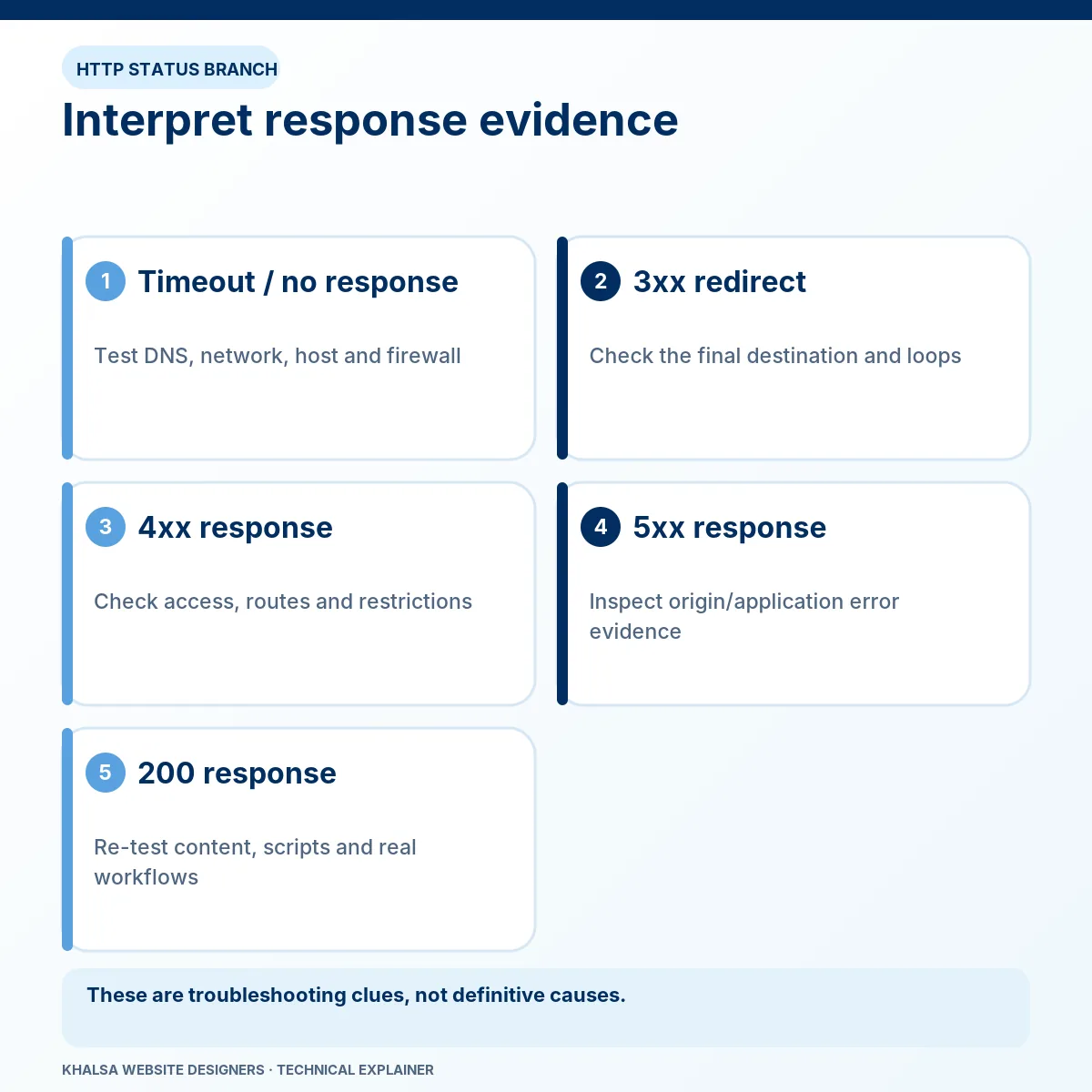
An error page and a failed connection are different observations. Copy the exact message before refreshing or changing settings.
| Visitor's observation | First question to answer |
|---|---|
| Domain not found or DNS lookup failure | Is the name resolving through the expected nameservers and records? |
| Connection times out before a page appears | Is the destination reachable, and where does the connection stop? |
| Certificate or TLS warning | Does the certificate match the hostname, and is the connection configured correctly? |
| HTTP 500 | Which server generated the error, and what does its matching log record? |
| HTTP 502 | Which gateway received an invalid response from its upstream server? |
| HTTP 503 | Which service is unavailable, overloaded or intentionally in maintenance? |
| HTTP 504 | Which gateway timed out while waiting for an upstream response? |
| Some visitors can open the site | What differs between their network, DNS answer, cached response, device or session? |
These are investigation prompts, not automatic diagnoses. HTTP status meanings are documented by MDN. A branded CDN error can identify the responding layer without proving why the origin failed.
Trace the request through the availability layers
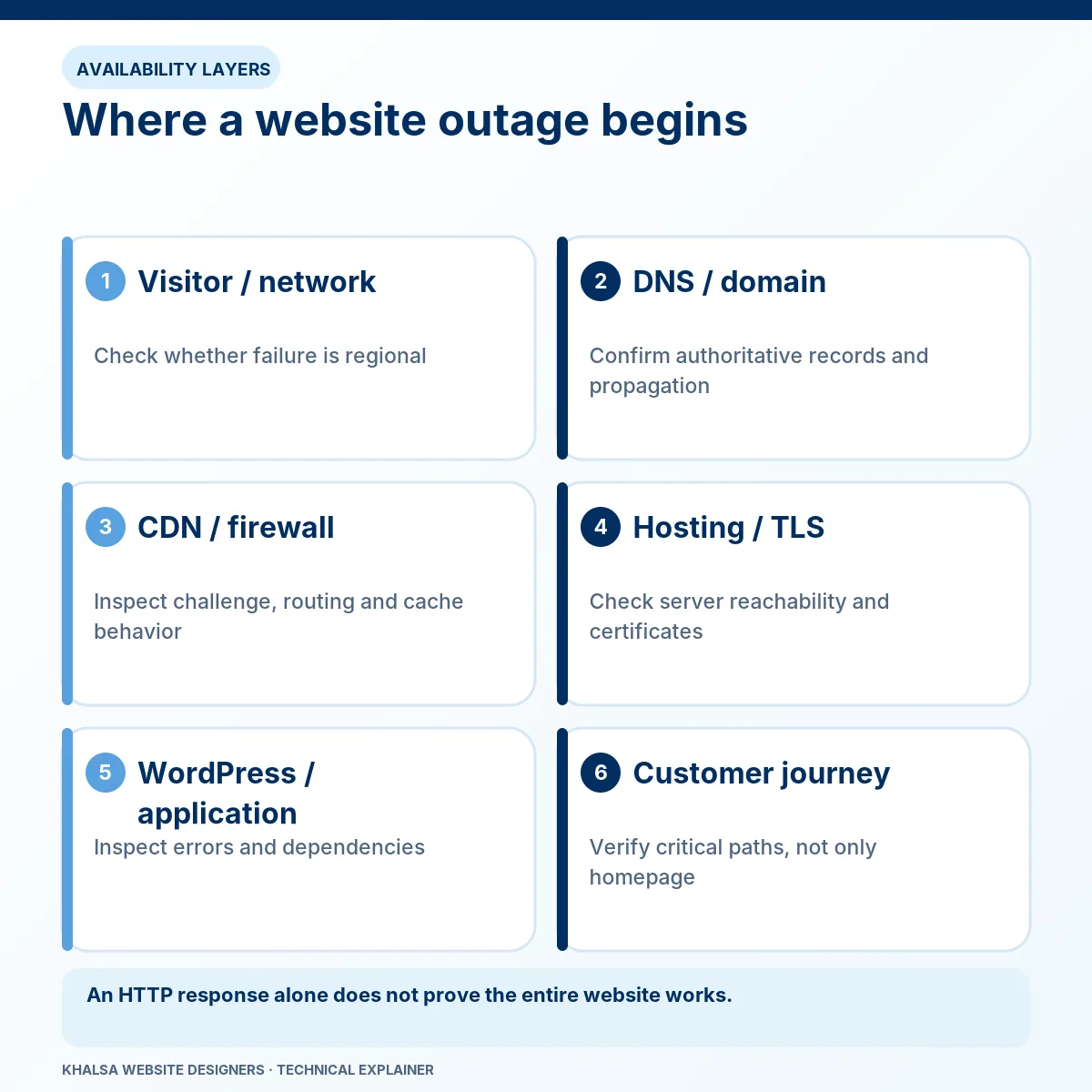
Domain and DNS
Domain registration, nameserver delegation and DNS records have separate roles. A domain can be renewed while its DNS points to the wrong server. An incorrect IPv6 record can also create a different experience from a working IPv4 route.
Recent DNS changes need to be compared with authoritative answers and resolver behaviour. Waiting for propagation is reasonable only when the records and delegation are correct and cached older answers explain the difference. Waiting will not repair an incorrect record or a DNSSEC configuration fault.
TLS, CDN and the origin
A content delivery network can serve cached pages even when the origin server is unhealthy. Conversely, a healthy origin can become unreachable through a firewall or proxy configuration. A certificate warning concerns the secure connection; it is different from a browser warning about malicious content.
If Cloudflare is involved, its own error code matters. For example, Cloudflare's 522 documentation describes a connection timeout between Cloudflare and the origin. That is a more useful starting point than treating every Cloudflare screen as a DNS problem.
Hosting, application and database
The origin may fail because of a service outage, exhausted resources, a deployment, account suspension or application behaviour. A PHP failure can affect one URL while static files remain reachable. A database connection problem can prevent WordPress from starting while the web server itself continues to respond.
Tests should narrow the boundary between the last working layer and the first failing one. Any direct-origin comparison must be authorised and preserve the correct hostname and TLS handling; bypassing protection is not a casual public troubleshooting step.
Why the site works for you but not for customers
Different results can be real. Your browser may have a cached page, a logged-in session may bypass cache, or a mobile connection may use a different resolver or network route. A CDN edge or security rule can affect one group while leaving another unaffected.
A useful comparison records the URL, time, country or network, device, login state and exact response. It tests the same action under different conditions. Asking everyone to clear their cache before preserving that comparison can remove useful evidence.
An external uptime check is one observation from one location. It does not prove that checkout, forms or every regional route is working.
Recovery decisions should protect live data
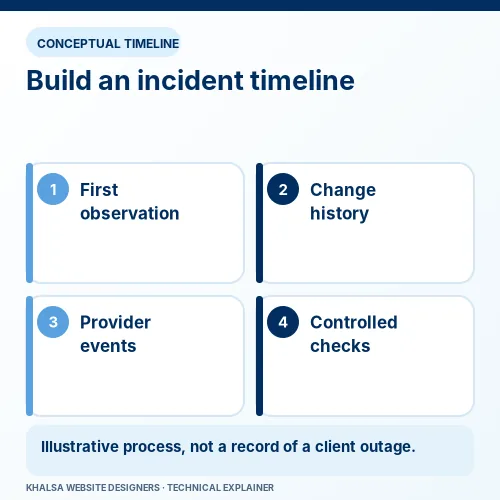
Before restarting services, changing DNS or restoring a backup, determine what the website is still doing. A store may continue receiving payment notifications even while customers cannot load a page. A second server may still be accepting orders after a partial cutover.
The recovery plan should identify the current source of truth, preserve available logs and snapshots, and define a rollback. A full database restore can discard newer transactions; redirecting visitors to an older copy can create two active records of the business.
Where temporary maintenance is appropriate, it should use a suitable response and a clear visitor message. Replacing every failed URL with a successful blank page can conceal the outage from monitoring and confuse search engines. The host or developer should select the method for the actual stack.
If the incident started during a move, use WordPress migration recovery to address cutover and data consistency. For the meaning and investigation of one particular response, see the WordPress HTTP 500 guide.
Who needs to do what?
| Control required | Usual account or provider involved |
|---|---|
| Renew or recover a domain registration | The registered owner and registrar. |
| Correct authoritative DNS or DNSSEC | The authorised DNS operator, with registrar coordination where necessary. |
| Repair origin services or hosting restrictions | The hosting provider or authorised server administrator. |
| Adjust CDN or firewall rules | The account owner and the relevant provider or administrator. |
| Correct a WordPress application failure | An authorised WordPress developer with the relevant evidence and access. |
KWD can investigate and explain provider dependencies within the agreed scope. It cannot override an account holder, restore a provider's entire network or bypass an ownership dispute. If a host reports compromise, preserve the notice and involve an appropriately qualified security specialist before treating the event as routine downtime.
What the recovery handover should establish
A recovery report should state the failure observed, the layer responsible, the evidence supporting the conclusion and the action taken. It should also identify any temporary workaround or unresolved provider task.
Verification should repeat the failing routes from more than one relevant network where practical. Check important pages, administrator access and the business actions affected by the incident. A shop needs order and payment checks; a lead-generation site needs a traceable enquiry test.
Record the observation window. A site that worked during a short test has passed that test; it has not established a permanent uptime guarantee. Intermittent faults may need further monitoring and a clear escalation trigger.
Questions during an outage
Does a 500 error mean the website was hacked?
No. HTTP 500 describes a server-side failure and does not establish compromise. Security indicators, file changes, account activity and provider notices need separate investigation. Avoid deleting suspicious material before evidence preservation is considered.
Should I change hosting immediately?
A move may help when the host is the confirmed limitation, but an unplanned migration adds DNS, database and configuration risks. Establish the cause and recoverability first. A migration will not automatically repair faulty application code.
What if the old developer controls the domain?
Use the registrar's legitimate ownership and account-recovery procedures. Collect contracts and registration evidence. A repair developer can explain technical dependencies but cannot grant ownership of somebody else's account.
Can downtime affect search visibility?
Persistent availability problems can prevent crawling and affect how pages appear in search. The effect depends on the responses, duration and Google's processing. Restoring access is the immediate technical objective; subsequent search changes need separate observation.
Can you promise a recovery time from the error message?
The message alone does not reveal access restrictions, data condition or provider response requirements. Availability and an appropriate scope must be confirmed after the initial information is reviewed.
Send the evidence that narrows the outage
Provide the domain, affected URLs, first known failure with time zone, exact error, hosting or CDN provider if known, and any recent domain, DNS, certificate or server change. Explain whether everyone is affected and whether the site is still processing orders or enquiries.
Keep account passwords, server keys and private logs out of the initial message. Access can be arranged with the account holder if necessary.
Ask for website downtime investigation. If your site opens but a feature is broken, the repair service hub can help identify the more relevant path.


